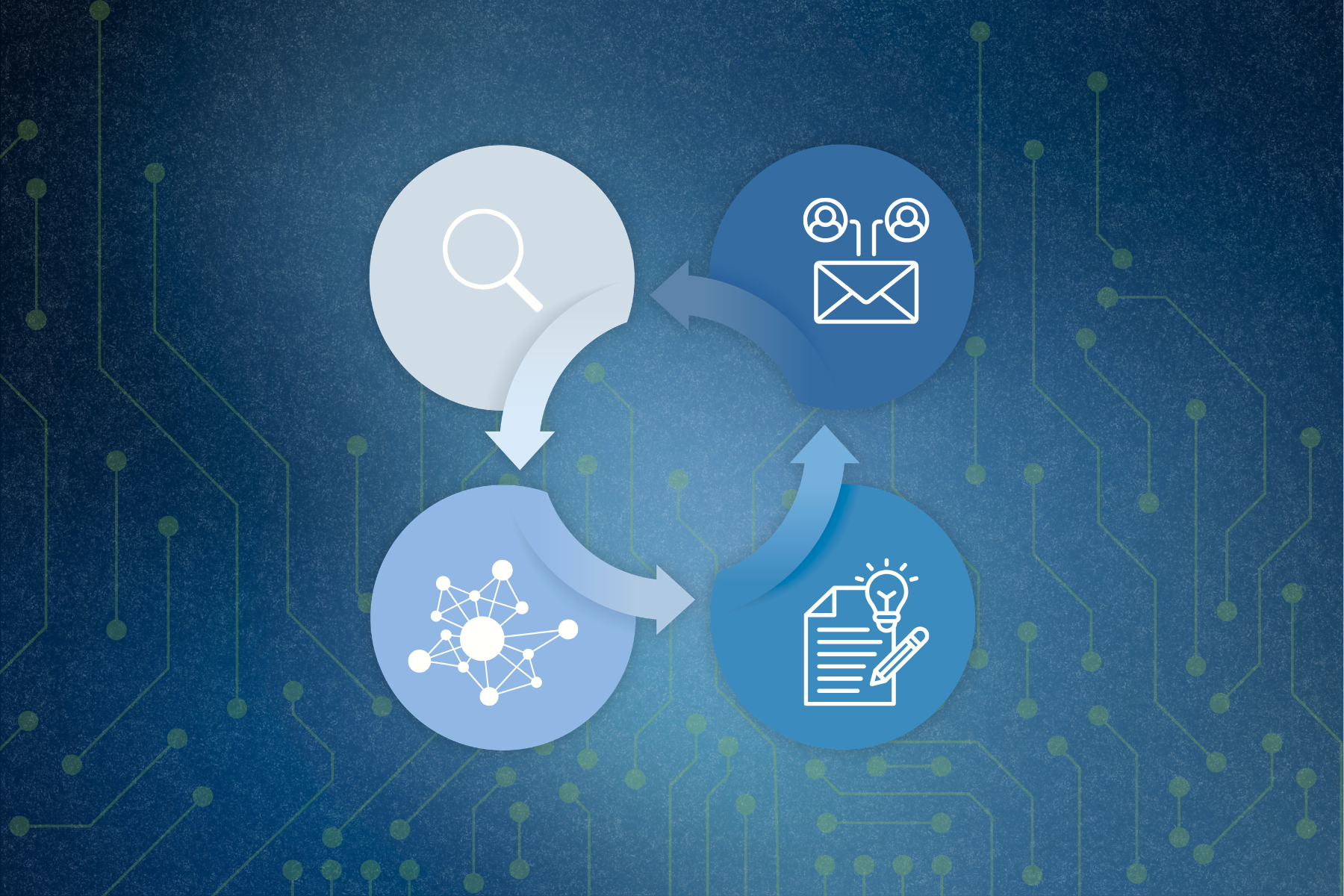
INITIALIZE DATA
Your Reports, Your Way,
Every Time.
Spend more time analyzing and less time formatting. Indago learns your preferred structure, tone, and goals—so every AI report generation starts with a strong automated report formatting foundation – built exactly how you need it.
FINE TUNE YOUR PROMPT
Set the stage for smarter, AI-assisted report drafting.
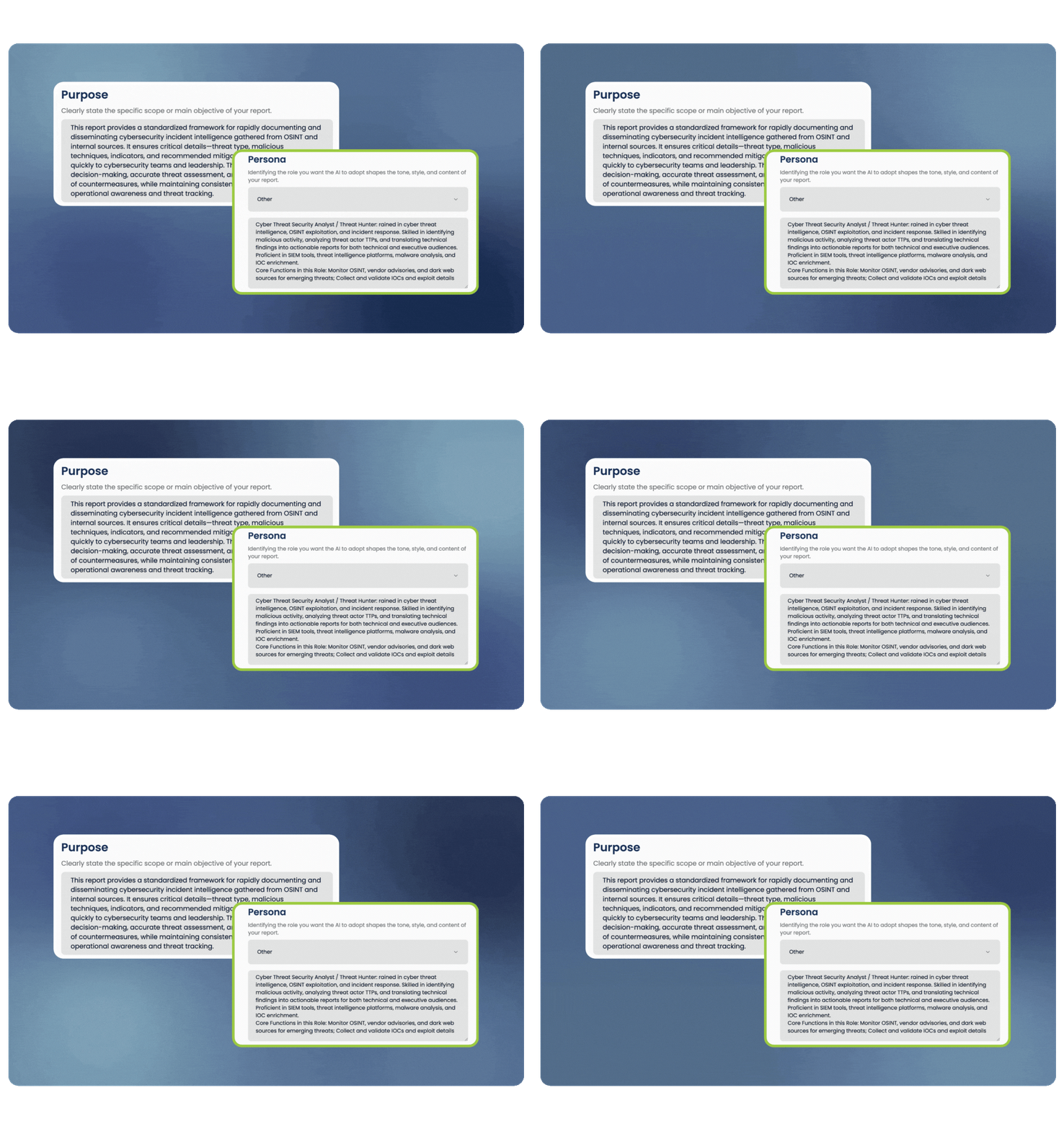
With Indago, you define the purpose, role, tone, and citation format for every report. Whether you're building a policy brief or threat intel summary, you can guide the AI with precision—no back-and-forth required. Built-in templates for common report types like Threat Intelligence and Policy Analysis help you hit the ground running.
AI ASSISTED OUTLINE CREATION
Customize your report structure in seconds.
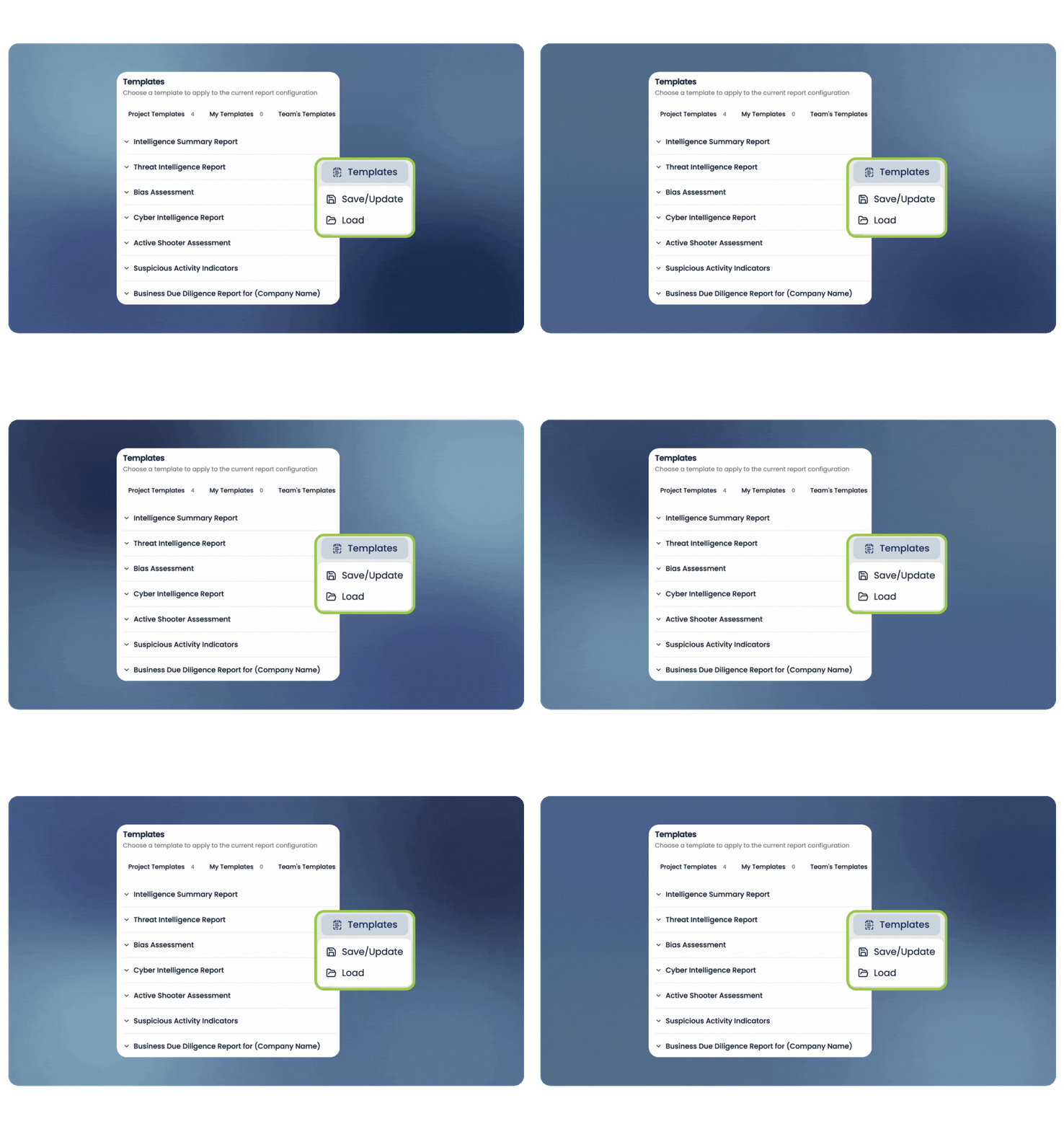
Just provide a few sentences about the sections you want, the desired flow, and any special formatting—like bullet points, tables, or predictive assessments. Indago instantly generates a detailed, customizable report outline that you can tweak and rearrange before writing even begins.
REUSE TEMPLATES
Build it once. Use it again.
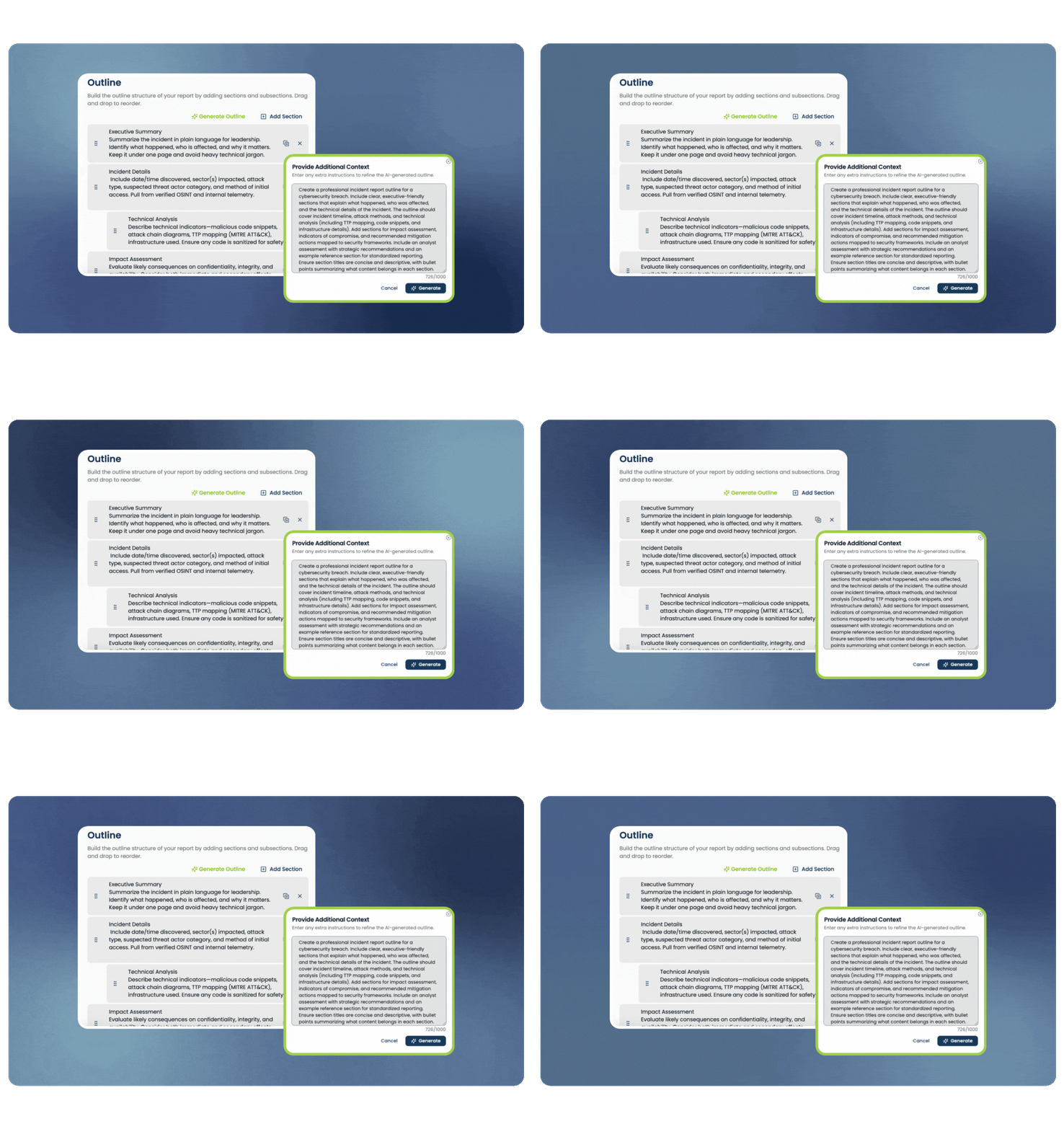
Indago stores all of your custom, reusable report templates, making it easy to repurpose past work for recurring or similarly structured reports. View the outline, intended use, and target audience at a glance so you can select the right starting point—saving time while staying consistent with your report automation tools.


See Indago In Action
Ready to reduce manual reporting, deepen your analysis, and scale your insights?
Indago offers flexible pricing plans to cater to individuals, teams, and enterprise-level requirements. We understand that everyone has unique needs, and our pricing tiers reflect our commitment to serving a range of analysts.